Your form.
Measured.
Personal form feedback for any exercise. A closer look at each rep, and something specific to work on when your next set starts.
Coming to the App Store on December 1.
Fevo AI for iPhone is coming to the App Store on December 1.
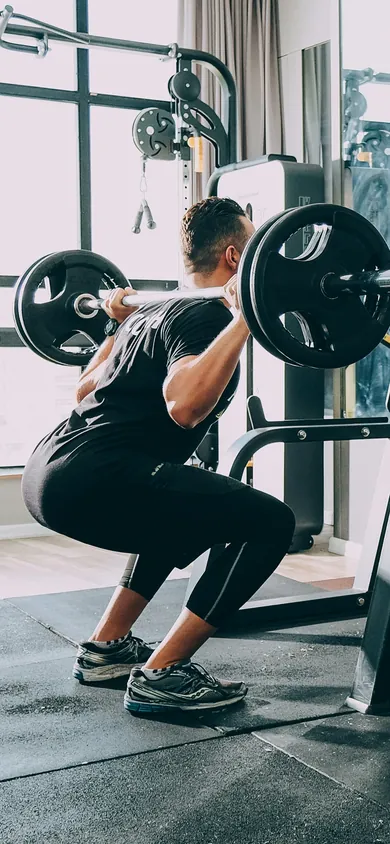
Any exercise
Check your form on any exercise.
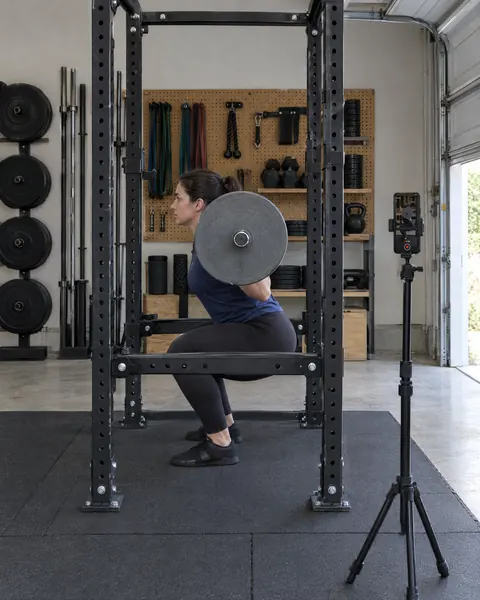
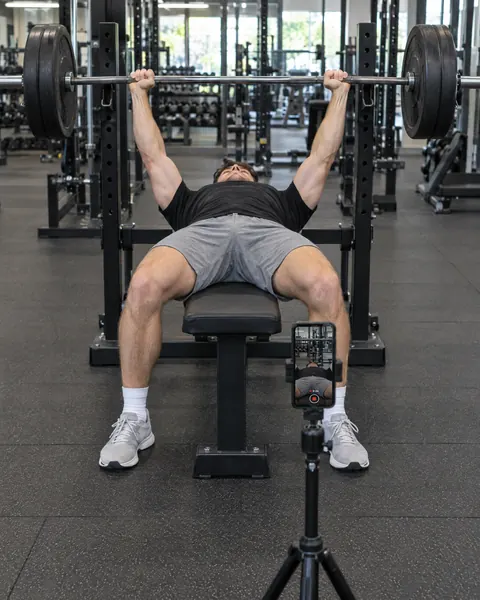
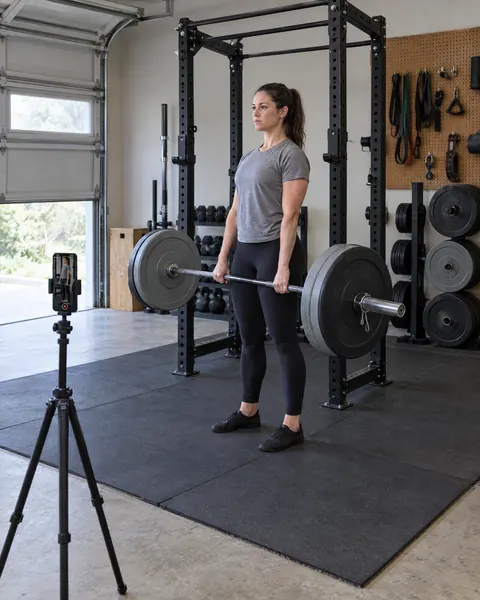
Fevo names the exercise and checks your form. Squat, bench press and deadlift are just a few examples.
- Squat
- Bench press
- Deadlift
MikeAI-Powered Personal Trainer
Meet Mike
A coach who knows your sets.
Mike writes each set’s results in plain words and answers your questions about your lifting. He’s an AI, not a person, and he’s optional.
Ask about any set. Ask why a set went wrong and Mike answers from what your recent checks found, with one thing to try next set.
Swap an exercise. Don’t like a move? Mike suggests one for the same muscles, and your plan changes only when you tap Swap.
How it works
A place for feedback in your routine.
-
Set your phone.
Film a set on your iPhone or import one from Photos. Fevo AI names the exercise for you.
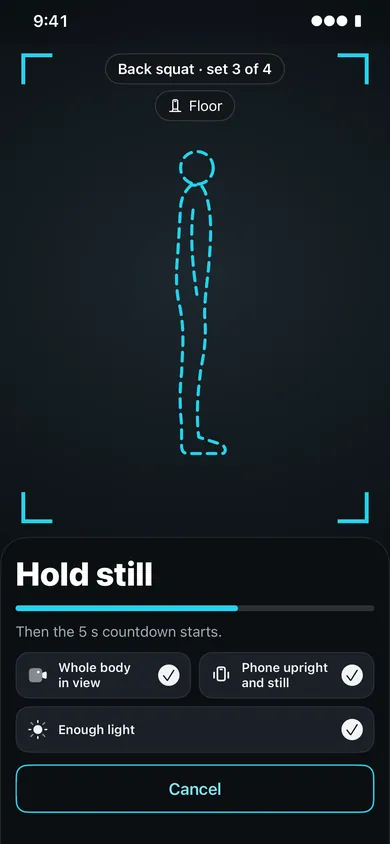
Record a set with the phone upright or sideways: Fevo checks that your whole body is in view, the phone is still and there is enough light, then counts down to the recording. -
Film your set.
Focus on your lifting. When you stop, Fevo AI checks the set and then shows your results.
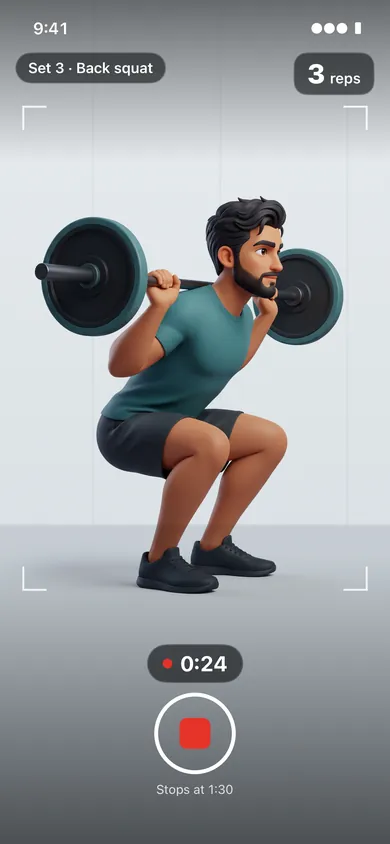
Recording: the set label, the time and the rep counter. Example screen with a drawn lifter. -
Find your next focus.
Look through every rep, ask Mike about it, and take one thing into your next set.
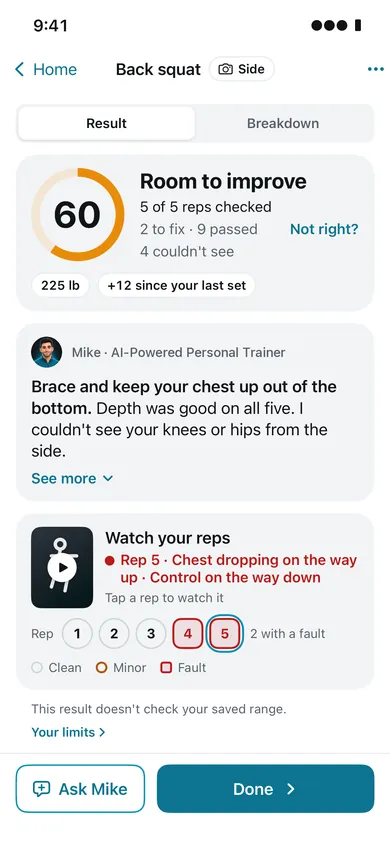
A set’s result: your form score, Mike’s note with the fix first, and every rep to watch.
Plans and progress
Your plan, your sets, your progress.
- Plan your split, or pick a ready-made one.
- Log every set’s weight and reps, filmed or not.
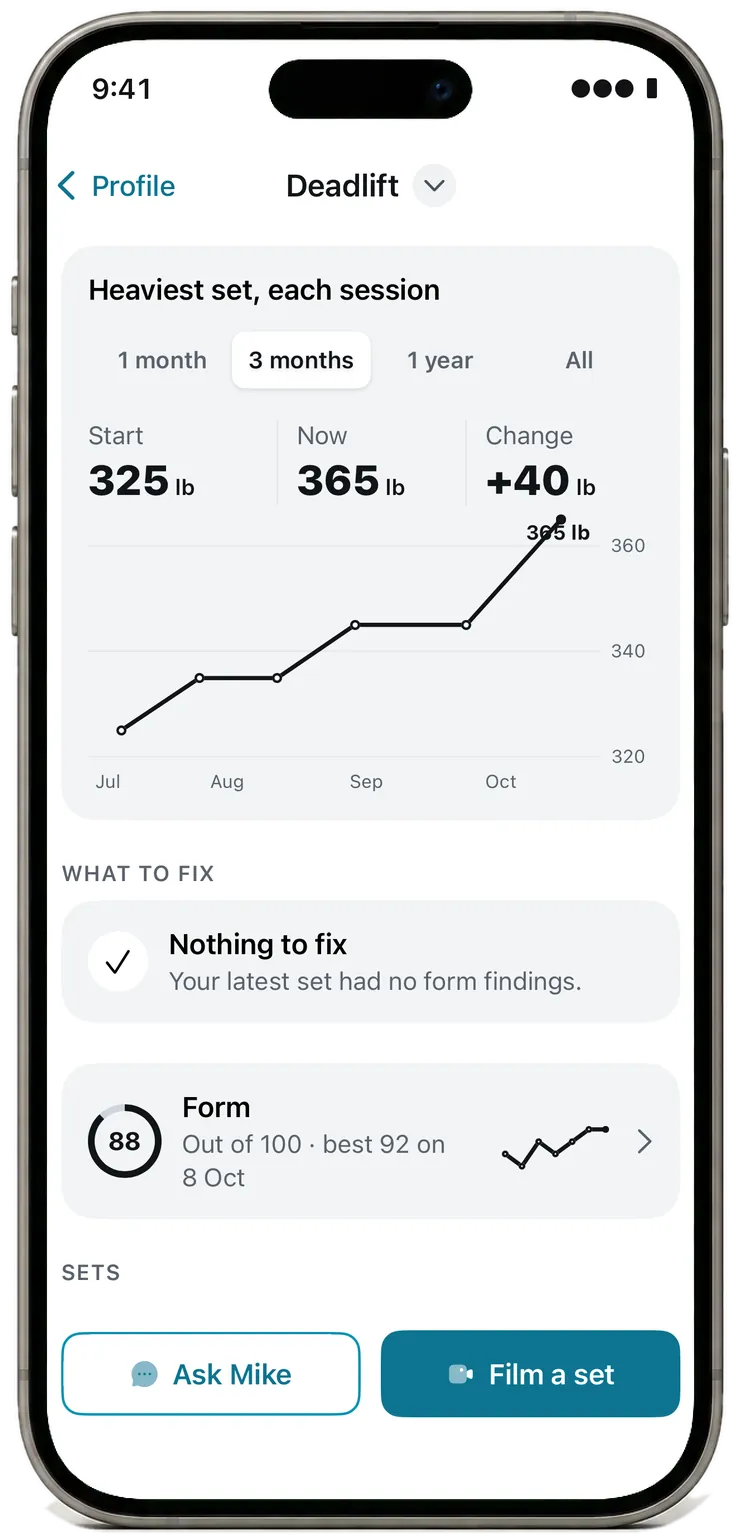
- Each exercise gets its own progress chart, with your best set and rep records. Milestones and a monthly recap cover all your lifts.
Pricing
Pick a plan by how much you use.
Premium gives you usage every month for video checks and for Mike’s answers.
-
Every finding and its fix
-
Usage resets each month
-
Bigger plans, more usagePlus has 4x the usage of Standard. Pro has 10x.
Premium
-
Standard
$19.99 a month
Standard usage
-
See Plus and Pro
-
Plus
$49.99 a month
4x the usage of Standard
-
Pro
$99.99 a month
10x the usage of Standard
-
Renews monthly. Cancel any time in Settings. Usage resets each month. Launch prices until December 31. Subscribe by then and your price stays while you stay subscribed. Cancel at least 24 hours before a renewal to skip it.
Prices in US dollars, billed through the App Store. You choose a plan in the app.
Your privacy
Your training stays personal.
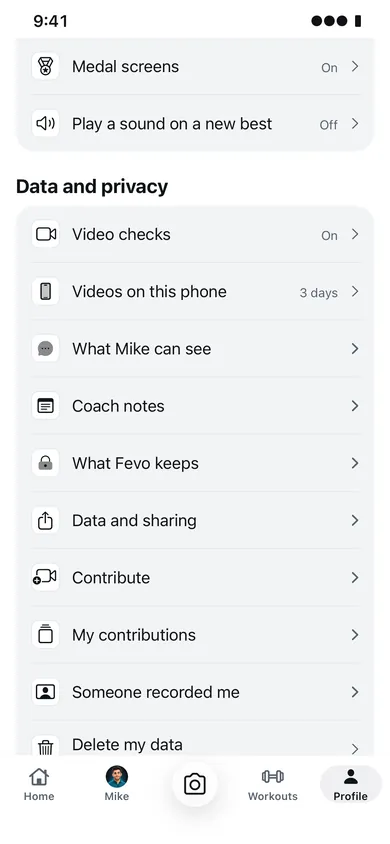
Your movement is personal. You choose whether your sets are checked by video, how long videos are kept, and what you share.
The policies cover today’s test builds. They’ll be updated before Fevo AI is on the App Store.
-
You choose what happens to your videos.
With video checks on, every set you film or import goes, without sound, to Fevo AI and an AI service that checks your form. Faces are not blurred on this path, so anyone in the picture may be visible. With “Check only”, Fevo AI deletes its copy of each video within a day. Failed cleanup is retried, so copies may remain longer. The AI service may keep what each check sends, the video included, and its reply, for up to 55 days to check for misuse of its service.
Sets you don’t check by video are saved as movement data: joint positions, not video. With video checks on, your phone also keeps its own copy of each video you check, for 3 days until you choose how long in “Videos on this phone”.
-
Sharing is your choice.
Contributing footage requires consent for each clip, with faces blurred on your phone first. Mike is optional. When you turn him on, your questions and recent chat, your coach notes, three of your onboarding answers and a summary of your sets go to the AI service that writes his words, and, after you accept his updated notice, your training records and the choices you picked in Your limits too, each only while its switch is on (names you typed for exercises and routines go as typed, with Workouts on). Never your video.
-
Apple Health is read-only.
Connect the Apple Health app to see sleep, HRV, resting heart rate, heart rate, active energy and workouts beside your lifting. Apple Health access is read-only. Fevo writes nothing to Health. Your Apple Health readings stay on your phone.
-
No ads. No selling your data.
The policies explain what is stored, how long it is kept, and how to delete it.
A few things
worth knowing.
Which exercises does Fevo AI check?
Any exercise. Fevo names it and checks your form. For squat, bench press and deadlift, film from the side. Film a set on your iPhone or import one from Photos.
Do I need special equipment?
A supported iPhone, a stable place to set it, and the equipment for your lift. Camera placement depends on the movement; the app’s setup guidance will help you get the right view.
Who is Mike?
Mike is Fevo AI’s AI-powered personal trainer. He’s an AI, not a person. He writes your set results in plain words and answers your questions about your lifting. He’s optional: without him, your results use the app’s own wording.
How do I cancel Premium?
In the app, open Profile › Plan and billing, or on your iPhone open Settings › your name › Subscriptions. Premium renews monthly, and you can cancel any time. Cancel at least 24 hours before a renewal to skip it. The sets you filmed stay yours to view.
How does Fevo AI keep improving?
Lifters can choose to contribute clips of their sets and tell us when a finding looks wrong. Both help improve Fevo AI. Contributing is your choice, with consent for every clip and faces blurred on your phone before a clip is shared.
Can Fevo AI prevent an injury?
Fevo AI has not been shown to reduce injuries. It does not predict whether a rep is safe or decide whether you are ready to train. Questions about pain or readiness belong with your physical therapist or doctor.
Coming soon
Join the waitlist. Get 50% off your first month.
Fevo AI is coming to the App Store on December 1. Join the list, and the day it’s out we’ll send you a code for 50% off your first month of Premium.
- 50% off your first month
- A text or email the day it’s out
Get notified when it’s out.
Leave an email address, a mobile number or both. We’ll tell you when Fevo AI is on the App Store, and about a beta if one opens first. Being on the list doesn’t reserve a place in a beta.
If no form shows here, email support@fevoai.app and we’ll add you to the email list.
For people on the list when Fevo AI comes to the App Store who haven’t subscribed before. One code per person, sent to the email address or number you ticked, for the first month of any plan, used in the App Store. After that month your plan renews at its usual price until you cancel.
Fevo AI for iPhone isn’t on the App Store yet. The download link goes here as soon as it’s live.
Questions or support
Email support@fevoai.app. For privacy requests, email privacy@fevoai.app.